
Platform
One control plane for every audience your Power BI estate serves
DataCentral governs the last mile of analytics: who signs in, what they may see, how the content is delivered, and what gets logged. It stores only the metadata needed to do that — your data stays in Power BI and your warehouse.
Topology
Sources in, audiences out — every route through the same four stages.
- Finance Power BI workspace
- Operations Power BI workspace
- Sales model Semantic model · RLS
- Field ops app Data app · writeback
 DataCentral control plane
 - authenticate Entra ID · Mobile ID · OTP · User Pass
- resolve OU → roles → row-level security
- deliver embed token · report key · API
- audit every view logged
- Employees Entra ID single sign-on
- Partners Mobile ID · User Pass
- Customers Branded portal
- Your product Embedding API
- Screens Report key, no login
Model
A hierarchy built for isolation and scale.
Four concepts carry the whole model. Learn them once and the admin console, the API and the documentation all read the same way.
- 01 · instance
Instance
The top-level deployment. Managed by a host administrator — a partner you bought through, or your own enterprise. Routes subdomains, holds database connections and overarching policy.
- 02 · tenant
Tenant
An isolated environment inside an instance — a customer, a business unit, a data project. Own subdomain, user directory, roles, workspace connections and branding. Tenants cannot see each other.
- 03 · ou
Organizational unit
A hierarchical container for users inside a tenant: region, department, partner company. Linkable to an Entra ID security group so membership syncs automatically.
- 04 · roles
Roles
Three layers: system roles (who may administer), report roles (which items a user may open), RLS roles (which rows a user may see). Assigned to OUs or individuals.
In the product
Authenticate, authorize, distribute.
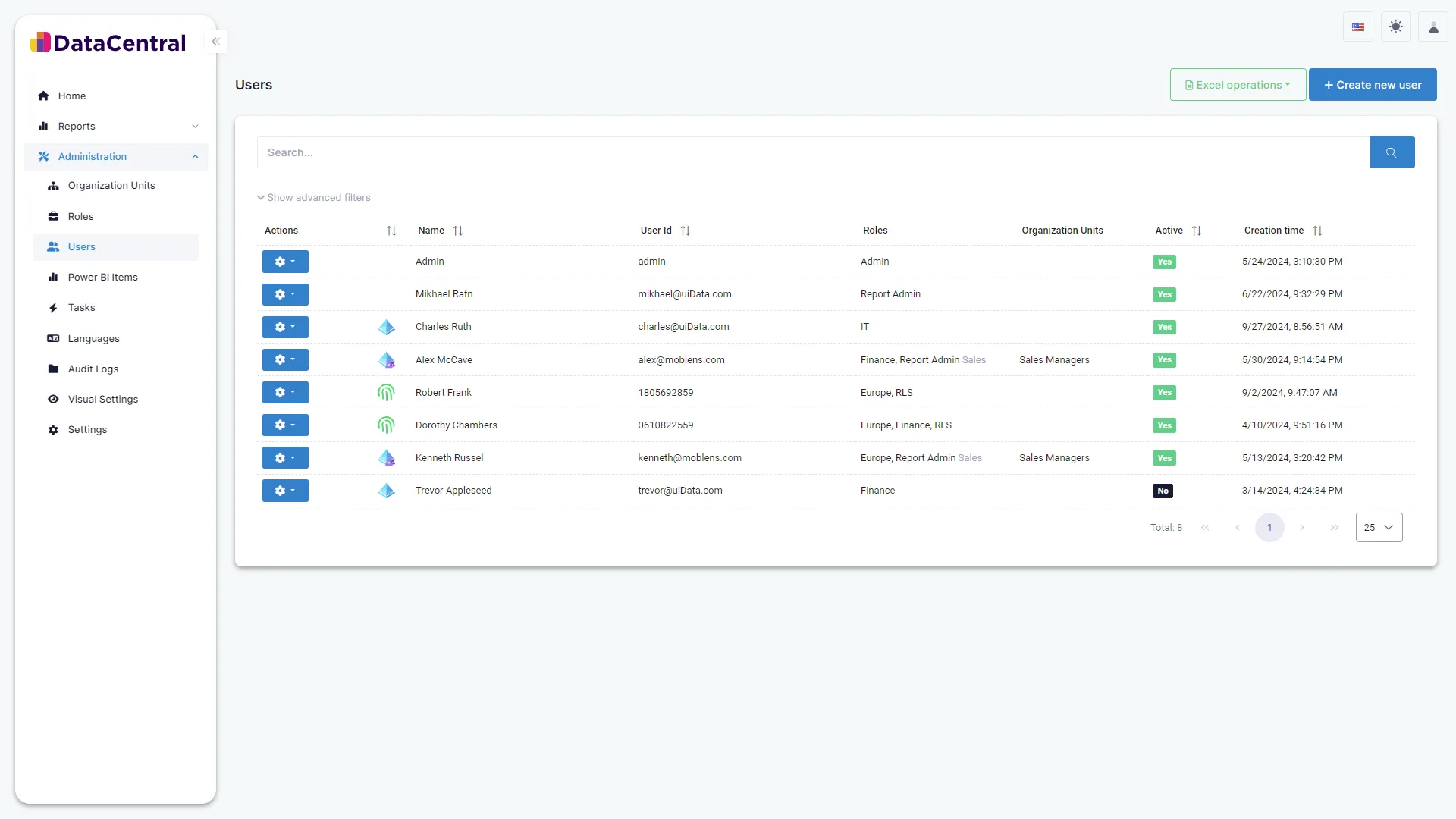
One sign-in surface for every audience
Entra ID for employees, Mobile ID or User Pass for partners and customers, OTP where nothing else fits — configured per tenant, white-labeled, on your own subdomain.
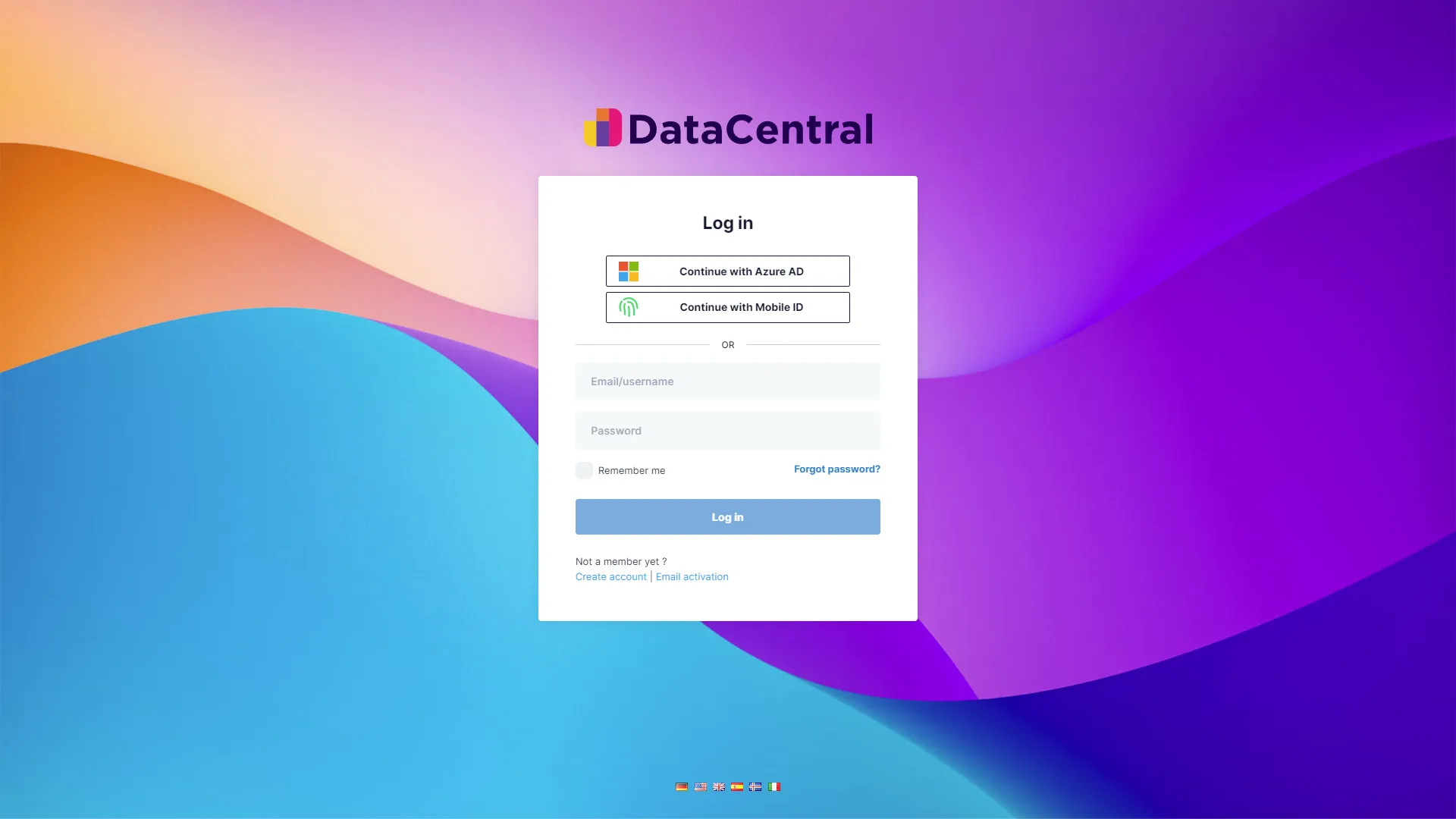
Users, organizational units and roles in one console
Group people into organizational units synced from Entra ID groups, assign system, report and RLS roles, and see at a glance who is active and what they can reach.
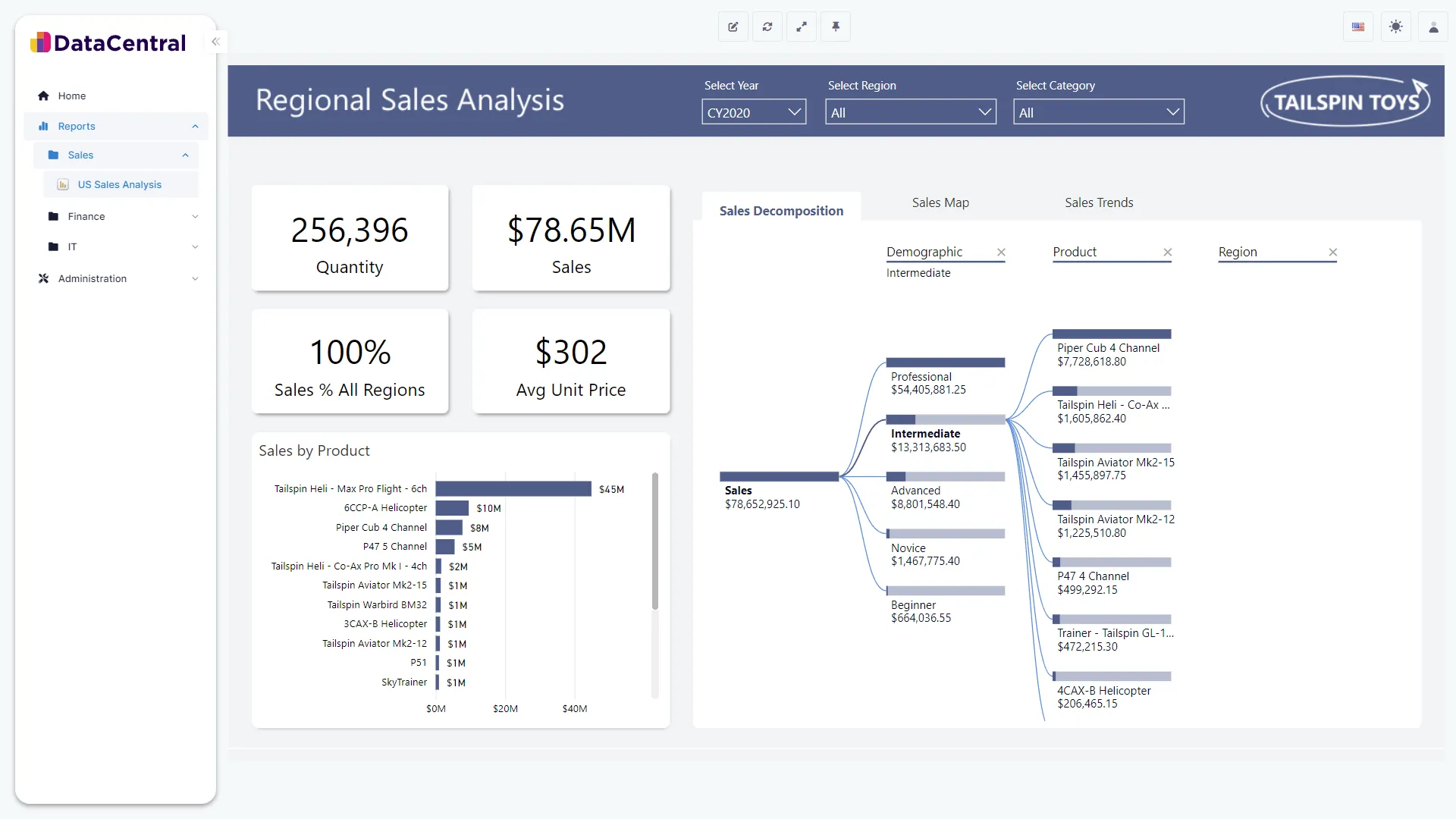
The report renders where the audience already is
Reports, dashboards and apps render inside the branded DataCentral portal with the user’s row-level security applied — or inside your own product through the Embedding API.
Capabilities
What the control plane gives you.
-
Multi-method authentication
Entra ID, User Pass, Mobile ID and OTP, switchable per tenant. Disable what you do not use.
-
Entra ID group sync
Security groups map to organizational units; joiners, movers and leavers update automatically via Microsoft Graph.
-
Smart RLS
Pass many DataCentral roles into one dynamic Power BI role. Segment at scale without authoring a role per audience.
-
Service-principal pooling
App-owns-data embedding through your own or a DataCentral-provided principal. Viewers need no Pro license.
-
White-label per tenant
Logo, colours, custom CSS and a custom domain via Azure Front Door or Cloudflare. Users never need to see DataCentral or Power BI branding.
-
Embedding API
Request an encrypted key server-side, render the report in an iframe in your own product with the user’s RLS applied.
-
Report keys and item links
Expiring, revocable links for screens, slideshows, PDF/PPTX export and DAX query access for analysts.
-
Action tasks
Writeback and context triggers from inside a report — turn a dashboard into an application surface.
-
Audit log
Every login, view, export and role change, exportable for compliance programmes.
How it works
The request path, stage by stage.
A user opens a report. DataCentral verifies who they are, resolves what they may see, obtains a short-lived embed token from Power BI through the right service principal, renders the report with their row-level security, and writes the event to the audit log.
- 01
Authenticate
- You configure
- Choose the sign-in methods each tenant allows: Entra ID, User Pass, Mobile ID, OTP.
- DataCentral does
- Verifies the identity, applies your Entra conditional-access policies where used, and starts an audited session.
- 02
Resolve
- You configure
- Map Entra ID groups to organizational units; assign report roles and RLS roles to OUs, not to people.
- DataCentral does
- Resolves the user’s OUs, report roles and row-level-security roles — including Smart RLS, which passes many roles into one dynamic role.
- 03
Deliver
- You configure
- Import reports from connected workspaces; decide how each audience receives them: portal, report key, embed, slideshow.
- DataCentral does
- Requests a time-limited embed token from Power BI through the right service principal and renders the report with the resolved RLS.
- 04
Audit
- You configure
- Review the audit log, set link expirations, rotate secrets.
- DataCentral does
- Logs every login, view, export and role change; expiring links and keys revoke themselves.
Distribution channels
The same governed content, delivered six ways.
| Channel | Typical audience | How it works |
|---|---|---|
| Branded portal | Employees, partners, customers | Tenant subdomain, own logo and colours, folders of reports, dashboards and apps the user is entitled to. |
| Embedding API | ISVs, customer portals, internal apps | Your backend requests an encrypted key; your frontend renders the iframe. App-owns-data; 30–60 minute expirations recommended. |
| Report keys | Screens, kiosks, signage | A key opens a specific report without a login. Set an expiration; revoke from the admin console. |
| Slideshows | Control rooms, lobbies | Rotate a sequence of reports on a schedule on any browser-capable screen. |
| Export and DAX query links | Analysts, finance | PDF and PPTX export from the viewer; governed DAX query access for raw extracts where explicitly granted. |
| Action tasks | Operations, approvals | Buttons and triggers inside reports write back to your systems via webhooks and Logic Apps. |
Power BI and Microsoft
Nothing proprietary in the data path.
DataCentral uses the service principals, embed tokens, Entra ID and Microsoft Graph APIs that Microsoft provides. Your analysts keep working in Power BI Desktop; your identity team keeps Entra ID as the source of truth. Enterprise tiers run on your own Azure tenant and service principals.
- Entra ID sign-in with your conditional-access and MFA policies
- Your own Power BI, Graph and security-group service principals (Premium and Enterprise tiers)
- Dynamic RLS with USERPRINCIPALNAME(), static roles, and Smart RLS
- Self-hosted instance on your own domain, with subdomain management (Enterprise)

DataCentral is a Microsoft Solutions Partner and is available through Azure Marketplace.
Azure MarketplaceSee governed distribution running on your own Power BI content.
A 30-minute session: we connect a sample of your reports, model one internal and one external audience, and show the result end to end — not a slide deck.